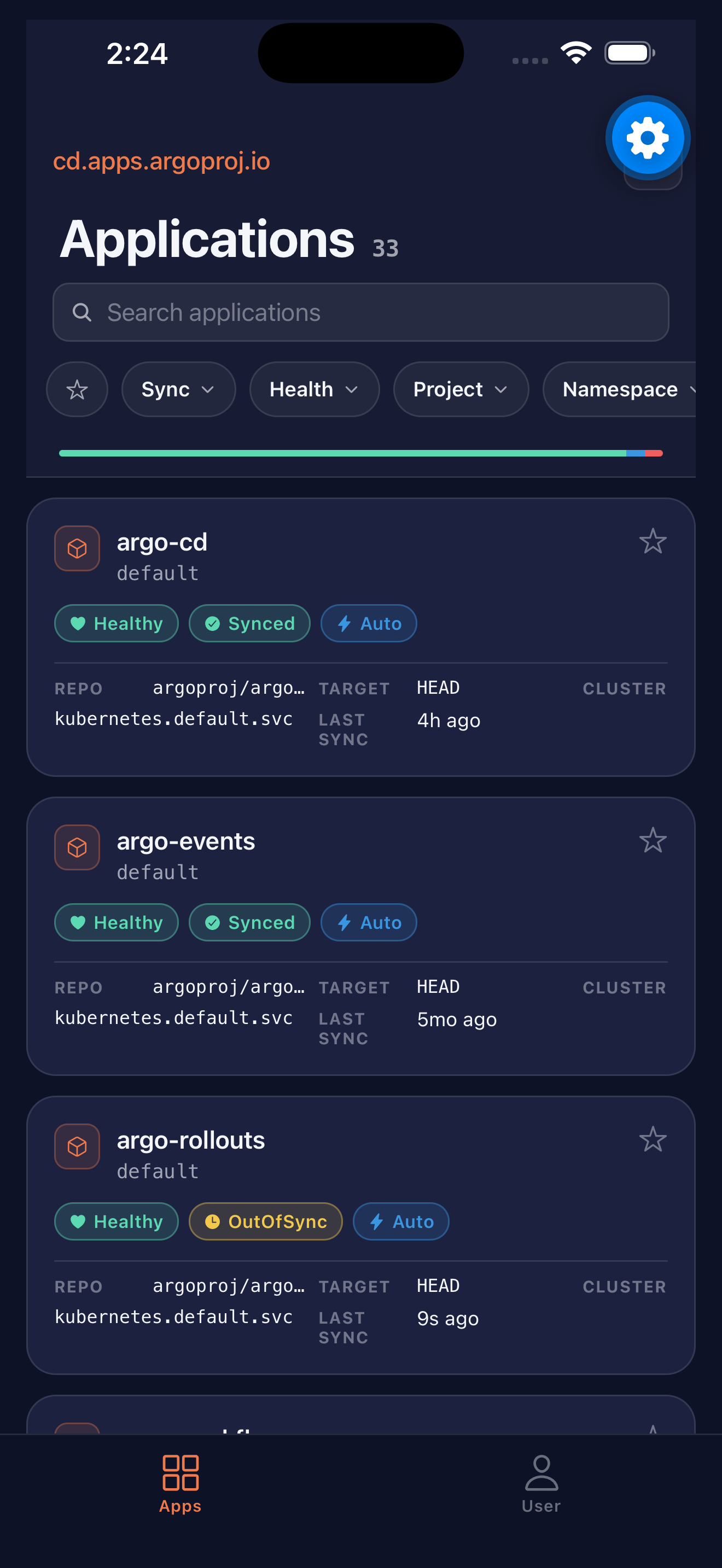
A native iOS app for monitoring and managing Argo CD deployments — wherever you are. Connects directly to your self-hosted instance. No middleman, no telemetry, no fees.
Real-time visibility and control over your Argo CD applications, designed for the on-call rotation, the airport, and the couch.
Browse all applications with live health and sync status, refreshed automatically.
Filter by sync state, health, project, namespace, cluster, and labels — instantly.
Trigger sync, hard refresh, and rollback releases — directly from your phone.
Inspect managed resources, view diffs, and read full YAML manifests on the go.
Stream pod logs with container selection in real time. Search, follow, share.
OIDC/PKCE for SSO — credentials never leave your provider. Username/password as fallback.
No accounts, no analytics, no upsells. The whole app is on GitHub under a permissive license. Found a bug? Open an issue. Want a feature? Send a PR. The community drives the roadmap.
Enter the URL of your self-hosted Argo CD server. The app talks directly to it — no relay, no proxy.
Authenticate via OIDC/PKCE through your existing identity provider. Tokens stay in iOS Keychain.
Watch sync status update in real time. Trigger syncs, refresh, or roll back without unlocking a laptop.
The app authenticates via OIDC/PKCE — your identity provider, your tokens, nothing in the middle. Depending on how your Argo CD is configured, you may need to register one redirect URI.
Argo CD hardcodes the argo-cd-cli Dex static client with only http://localhost redirect URIs. This list is regenerated on every Dex restart and cannot be overridden via argocd-cm. The patch below wraps the Dex container command with a background watcher that re-injects argocd://auth/callback every time Argo CD regenerates the config:
kubectl patch deployment argocd-dex-server -n <argocd-namespace> --type=strategic -p '{
  "spec": {
    "template": {
      "spec": {
        "containers": [{
          "name": "dex",
          "command": [
            "/bin/sh", "-c",
            "(LAST=\"\"; while true; do M=$(stat -c %Y /tmp/dex.yaml 2>/dev/null); if [ \"$M\" != \"$LAST\" ]; then LAST=$M; grep -q \"argocd://auth/callback\" /tmp/dex.yaml 2>/dev/null || sed -i \"s|  - http://localhost:8085/auth/callback|  - http://localhost:8085/auth/callback\\n  - argocd://auth/callback|\" /tmp/dex.yaml; fi; sleep 0.2; done) & exec /shared/argocd-dex rundex"
          ]
        }]
      }
    }
  }
}'
exec keeps argocd-dex rundex as PID 1 so it receives Kubernetes signals correctly. The patcher runs in the background and wins the race against Dex startup because it watches for file modification and reacts in under 200 ms.
If you use an external OIDC provider configured via oidcConfig in argocd-cm, two changes are needed:
argocd://auth/callback to the allowed redirect URIs in your provider's application settings.cliClientID in argocd-cm to the client ID that has this redirect URI registered.No changes to the Dex deployment are required in this configuration.